


To run the example project, clone the repo, and run pod install from the Example directory first.
Min Version : iOS 8.3
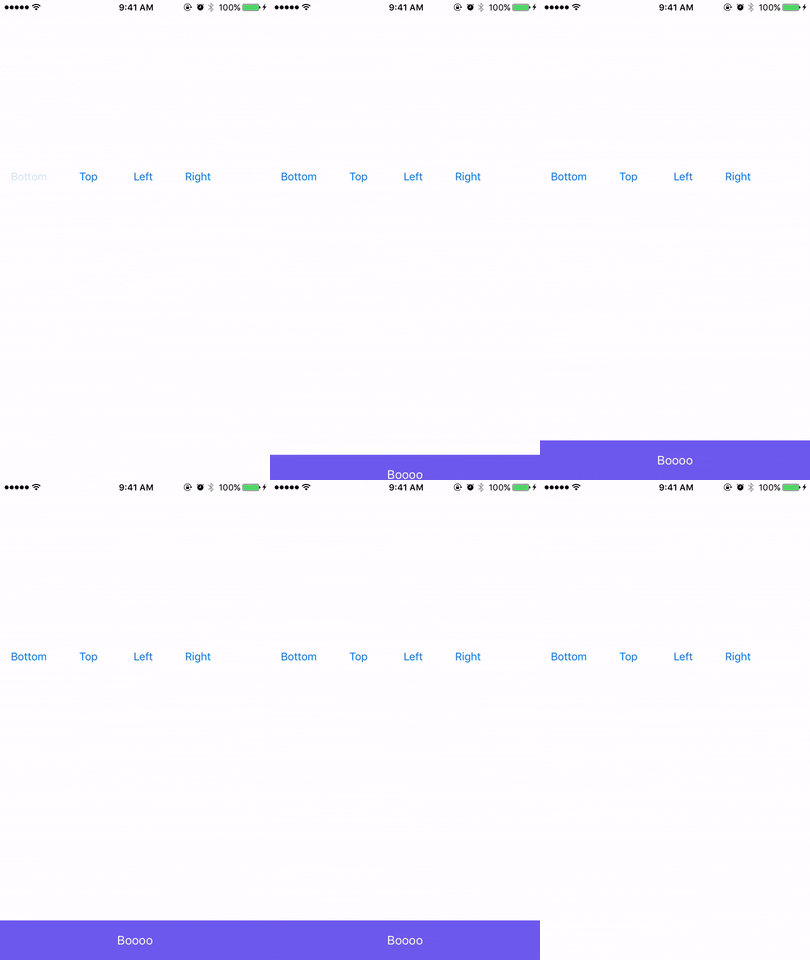
Using GhostPrompt in code
let prompt = GhostPrompt(height: 55, ParentView: self.view)
prompt.showMessage(Message: "Boooo")
-
promptHeight -
bgColor -
textColor -
view -
appearingDirection -
animationTime
Currently alert is shown just at the bottom of the view. Highly suggested to pass 'self.view' view to prompt
You want to add pod 'GhostPrompt', '~> 0.0' similar to the following to your Podfile:
target 'MyApp' do pod 'GhostPrompt', '~> 0.0' end Then run a pod install inside your terminal, or from CocoaPods.app.
Alternatively to give it a test run, run the command:
pod try GhostPrompt
GhostPrompt is available through CocoaPods. To install it, simply add the following line to your Podfile:
Divyansh Singh, divyansh.1212@gmail.com
GhostPrompt is available under the MIT license. See the LICENSE file for more info.