

Code for Maze Design Tool
Maze Design Tool is an tool that allows you to design, solve, and export custom mazes.
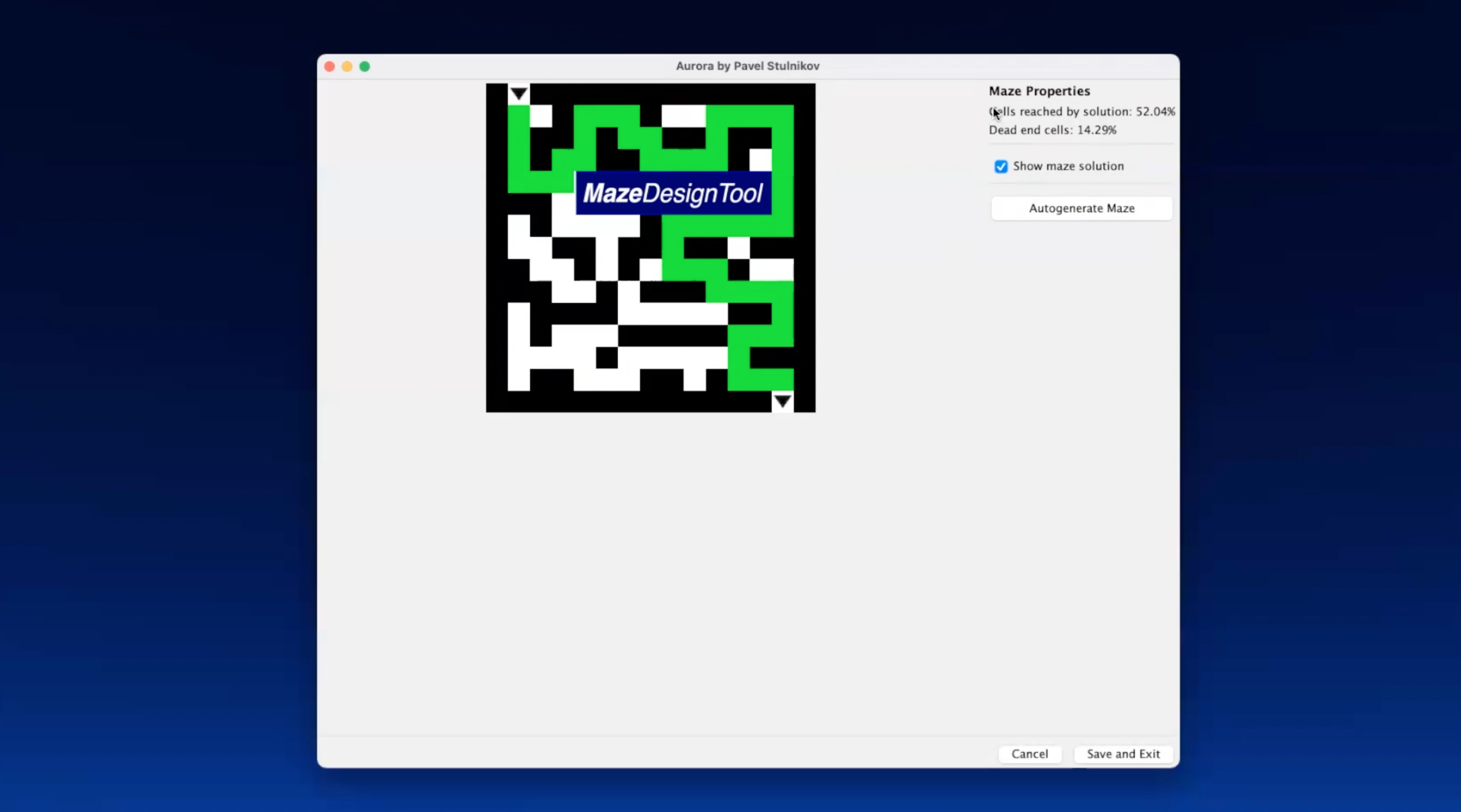
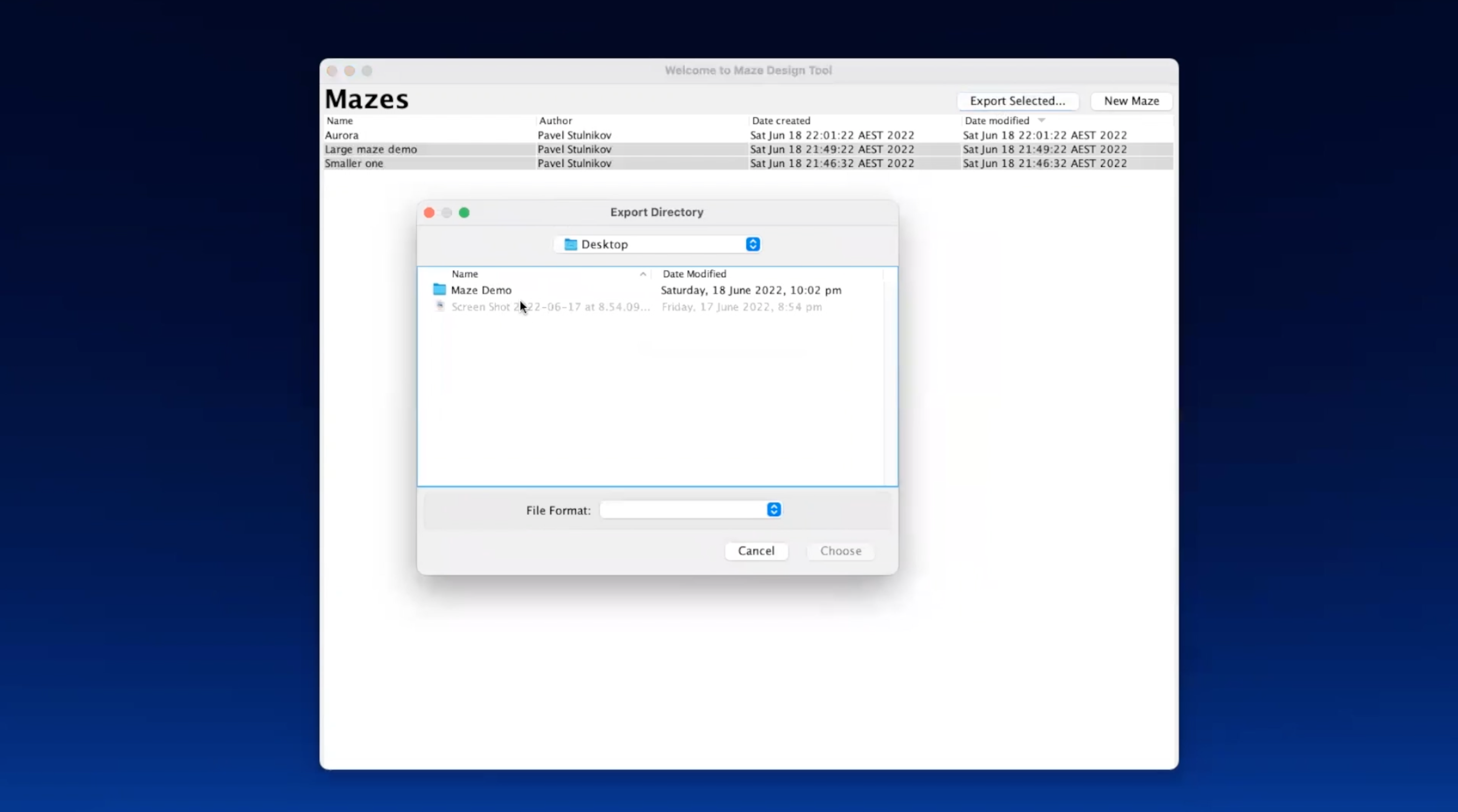
Creating a maze with custom size and images inside https://user-images.githubusercontent.com/47017892/196817981-c34e08e0-98d3-495e-a8b1-4dc4e45450b3.mp4
Building the maze manually https://user-images.githubusercontent.com/47017892/196818572-cf724ea3-2bfe-4208-b338-02eed74c154a.mp4
Using the auto-solver and exporting the maze https://user-images.githubusercontent.com/47017892/196818580-c536c628-2fdc-4509-b33b-5ce87be147a6.mp4
Create a new branch named "MDT-<Ticket_Number>_<Branch_Description>" (e.g. MDT-21_Export_mazes_dialog), pull it on your local device and commit there. Once you are happy with your branch and done with the task, create a merge request to merge with main.
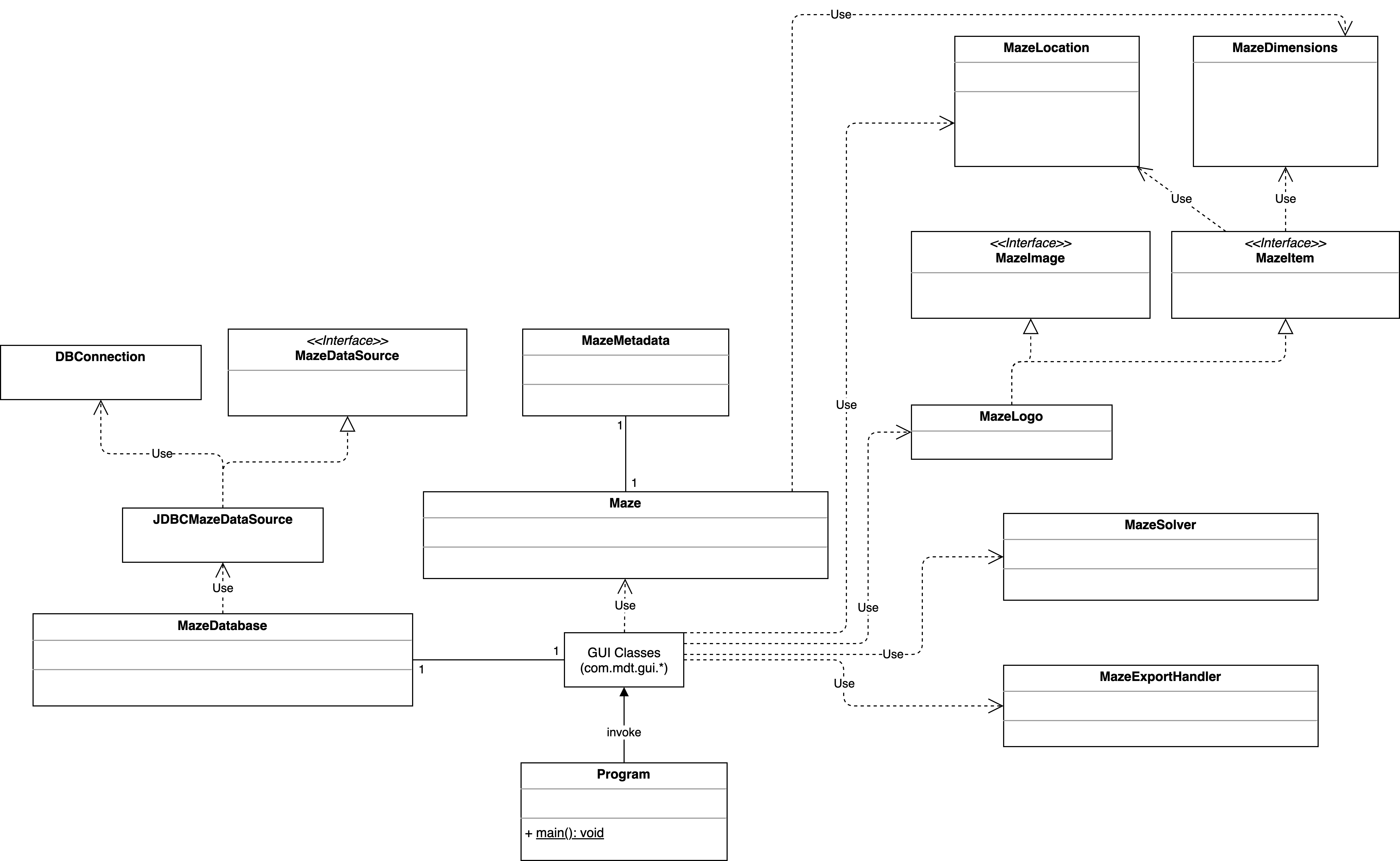
com.mdt.Program class contains the main() method that invokes the application. com.mdt.gui.GUIFrame class is invoked by the Program.main() method and creates and shows the Frame of the application via the GUIFrame.createAndShowGUI() method.
To add a new GUI element, add it to an existing or new JPanel, add the JPanel (if not already) to the GUIFrame.createAndShowGUI() method, pack it and link all actions.